
Domain
Onboarding adds one site to your team. It is a four-step wizard in the Blotout platform: Site, DNS, Deploy and Snippet. The Site step holds three things, the domain, the hosting mode and the advanced settings. This page covers the domain.
Open the wizard from the welcome page of a new team with Create site, or from the team’s site list with Add site.
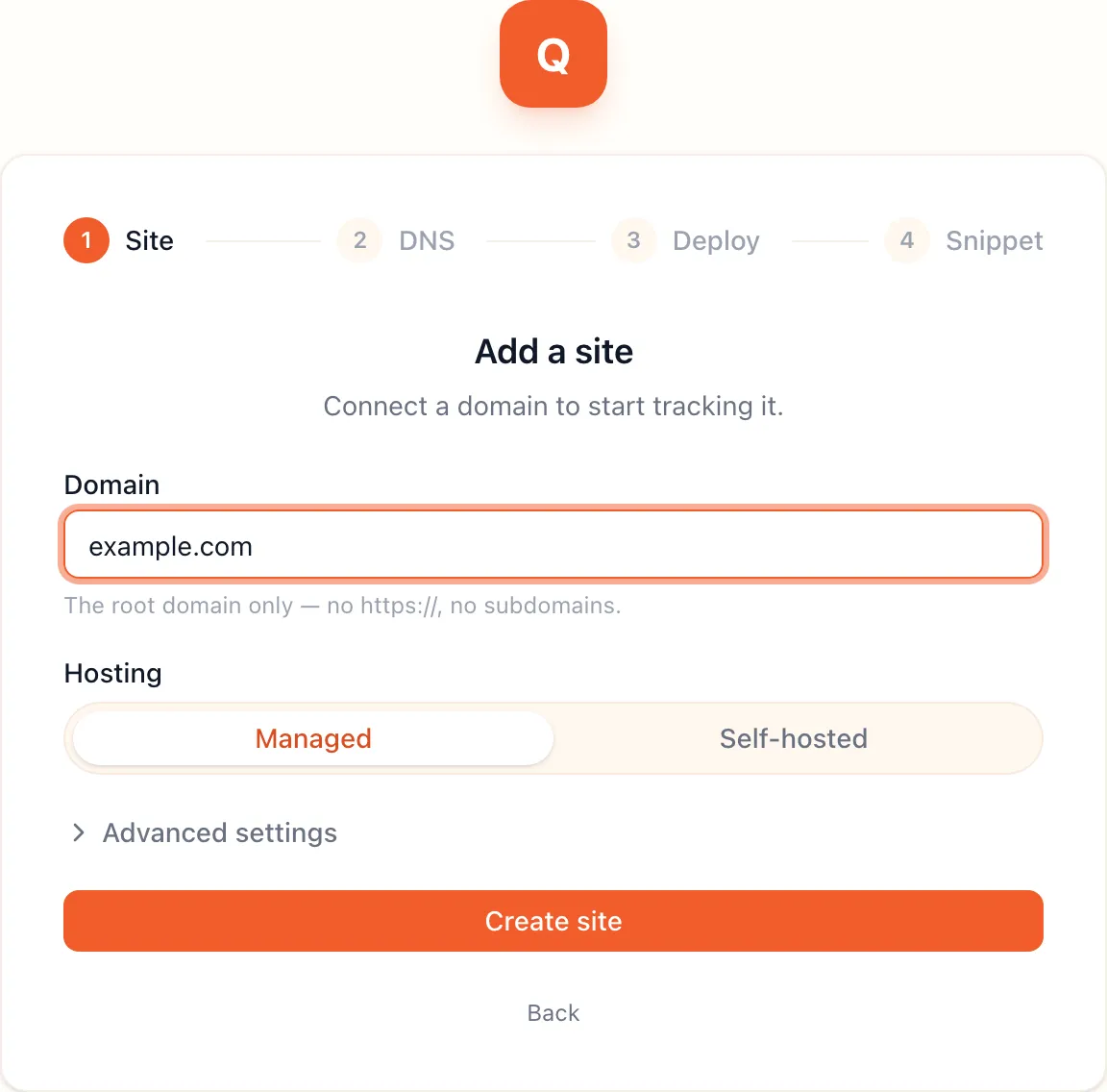
Enter the root domain
Section titled “Enter the root domain”Type the domain of the website you want to track, and nothing more. The platform wants the registrable root, the part you bought from a registrar.
| You type | Result |
|---|---|
example.com |
Accepted |
example.co.uk |
Accepted. The platform uses the public suffix list, so a two-level suffix still counts as one root. |
www.example.com |
Accepted. The www. is removed and the site is created for example.com. |
https://example.com/shop |
Accepted. The scheme and path are removed. |
shop.example.com |
Rejected. A subdomain is not a root. Enter example.com and track the shop under it. |
Example.COM |
Accepted and lowercased. |
Enter one root domain per site. A storefront on example.com and a blog on example.org are two sites, each with
its own snippet and its own visitor graph.
What the platform builds from it
Section titled “What the platform builds from it”The platform does not serve traffic on example.com itself. It creates one hostname under it, called the first party
hostname, and that is where the snippet loads from and where events go. The hostname is <label>.<root domain>,
for example jiezrq.example.com. The label is six random lowercase letters, or the one you type under
Custom subdomain.
The hostname is fixed once the site exists. If you delete the site, the hostname stays reserved and a new site under the same root gets a new label.